

Other Systems & Customization Suite
Office Automation System
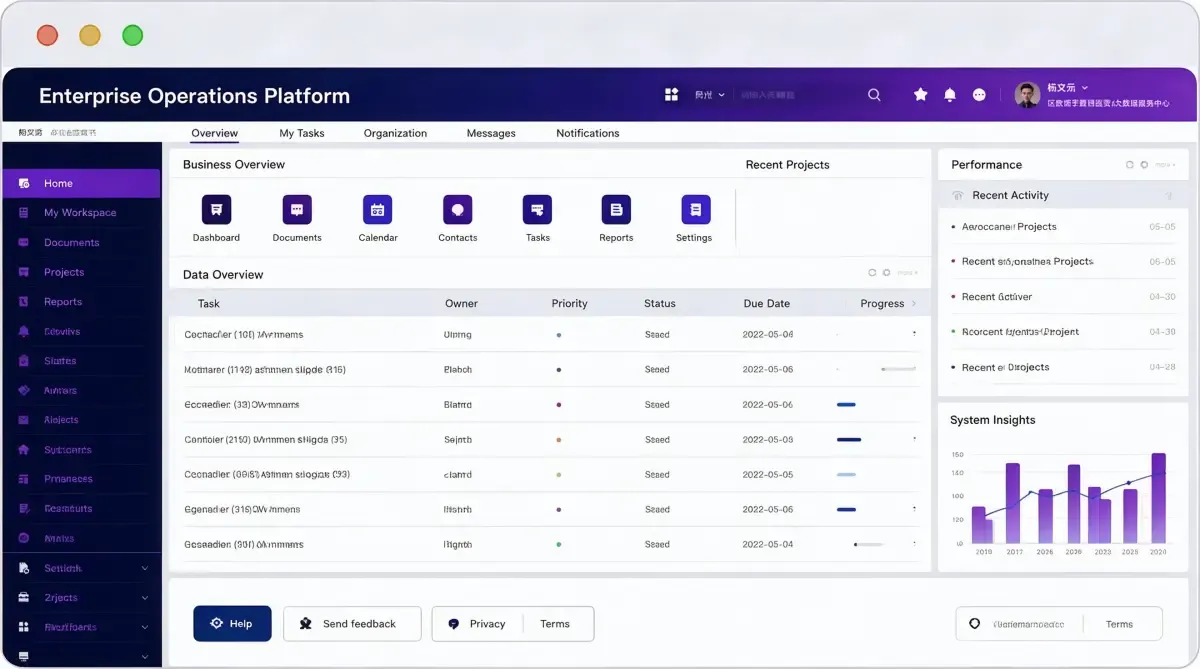
Most organisations run on a set of systems that each know something different: the one that holds the contract, the one that tracks the project, the one that processes the expense, and the shared drive where the documents actually live. Work crosses between them by hand, and the hand is where the time goes.
Office Automation System puts those pieces on one foundation — the organisation model, the portal people start from, the processes that route work, the records those processes produce, and the data those records become. It is organised by function rather than by department: a request is raised where the event happens, decided where the authority sits, and recorded where it can be found later.
The point is coverage of the everyday work rather than novelty. Documents, meetings, approvals, contracts, projects, assets, expenses, leave, records — the routine that fills the working day — carried by one organisation model and one set of rules about who decides what. Where something does not fit, it is configured rather than rewritten.
Work crosses systems by hand until somebody decides it does not have to.
What it is
One organisation model, held explicitly. Holding group, legal entities, administrative units, project teams and finance units are separate structures in the system, so a person's reporting line and a project's reporting line can both be true at once.
One place to start from. A portal that assembles the applications, tasks and information each person is entitled to see, rather than a list of links to everything.
Processes that route and record. A request is not only sent somewhere; it is routed by rules, decided with its conditions, and kept with what was done.
Records rather than files. What a process produces is a record that can be searched, reported on and produced on request — which is what makes the organisation reportable.
Shared services across units. HR, administration and finance administration handled once for the whole organisation, with the business context attached instead of retyped.
Extendable without a release. New forms, new approval paths and new applications are configuration, so the platform keeps up with the organisation instead of being reimplemented.
What gets in the way today
Requests travel by hand. The process lives in people's inboxes.
A request is a message asking for a yes. Which cannot be tracked, prioritised, or followed up by anyone who was not in the thread.
The approval path is in somebody's memory. And changes when that person is away.
Nobody can say where a request currently sits. Which is why progress is chased instead of seen.
The organisation model is a guess. Systems hold a directory; the organisation is held in people's heads.
Who reports to whom, and who owns which unit, exists in the HR system and nowhere else. So every process encodes its own approximation.
Someone holding two roles, or belonging to two units, cannot be represented properly. Which pushes the workaround into the process itself.
Access is granted person by person. So it is granted inconsistently and never reviewed.
Documents sit apart from the process. The record and the decision end up in different systems.
A contract is signed, then filed, then re-entered somewhere else to be tracked. Three copies, three truths.
The approval and the document that was approved about are not linked. So nobody can show which version was actually authorised.
Retention is a folder convention. Which is not retention.
Nothing can be reported across the organisation. Every unit measures itself differently.
Each unit keeps its own records in its own shape. So combining them is a manual exercise rather than a query.
How long a process actually takes cannot be answered. Because nobody records when it started.
Where the workload is building is visible only as a queue of unanswered messages. Which is too late to do anything about.
What it covers
The layers below are how the pieces fit together: one organisation model, the scenarios carried on it, the platform that makes those scenarios extendable, and the foundation they all run on.
The organisation model comes first because everything else depends on it — who may approve what, which unit owns which record, and whose rules apply when a request crosses a boundary. The scenarios are built on that model rather than beside it, which is what allows a shared service to be operated centrally without each unit losing its own view. The platform layer is what keeps that true as the organisation changes: forms, approval paths and applications are configured, and the data they produce is collected through the process that creates it rather than reconciled afterwards.
What you get
Where it is used
What changes between these settings is which scenarios matter first and how far the organisation is centralised.
Setting | What the work usually focuses on |
Multi-site manufacturing | Head-office administration run once, plants keeping their own operational view |
Group-structured businesses | Group-level frameworks with unit-level administration beneath them |
Project-driven organisations | Projects, contracts and the approvals behind them kept together |
Shared service centres | HR, administration and finance requests handled centrally on behalf of the units |
Multi-national groups | One organisation model across countries, with the rules that differ configured per unit |
Capabilities
Grouped by what they do.
Organisation and portal. What everything else is built on.
Capability | What it means |
Multi-dimensional organisation model | Holding group, legal entities, administrative units, project teams and finance units modelled explicitly, so both a reporting line and a project reporting line can exist |
Multi-level groups | Units run their own administration while the group keeps the overview, the rules and the reporting |
Concurrent roles | One person holding several roles, or belonging to several units, represented rather than approximated |
Unified portal | A single starting point carrying the applications, tasks and information each person is entitled to see |
Personalised workspace | What appears on the portal is decided by role and unit rather than by a static list |
External participants | Customers, suppliers and partners given scoped access without being turned into employees |
Collaboration and business control. The everyday work, described as functions.
Capability | What it means |
Document management | Controlled documents with versions, permissions and a retained history rather than files on a drive |
Meetings | Scheduling, agenda, attendance and minutes, with actions carried forward as tasks |
Approvals | Requests routed by rules, decided with conditions attached, and stored with the decision |
Action tracking | Items assigned, chased and closed rather than remembered, with the reminder built into the process |
Digital records | Records produced by processes, kept to a retention rule and produced on request |
Calendar and availability | Leave, availability and scheduling held as data other processes can rely on |
Budget control | Budgets held and consumed against the requests that spend them, visible while they are being spent |
Contract management | Contracts from request through approval to renewal, linked to the work and the records behind them |
Project and asset records | Projects, assets and the requests that change them kept in one place |
Shared services, compliance and control. Run once, and evidenced.
Capability | What it means |
Shared HR administration | Personnel records and the requests that change them handled once for the whole organisation |
Shared administration | Offices, facilities, supplies and the requests behind them, handled centrally and recorded |
Shared finance processing | Expense and payment requests routed and recorded centrally, with the business context attached |
Insight and reporting | Operational and workload views built on the same records, comparable across units because the basis is the same |
Risk and internal control | Control points defined as processes, with evidence that they were followed |
Legal and audit support | Contracts, approvals and records produced for review, with the decision history intact |
Separation of duties | Who may request, who may approve and who may record configured independently of each other |
Platform. Why the scenarios keep up with the organisation.
Capability | What it means |
Workflow engine | Routes, conditions, delegation and escalation defined as configuration rather than code |
Form builder | Forms with fields, validation and attachments, changeable without a release |
Orchestration | Processes from several functions brought into one sequence, with the hand-offs explicit |
Data collection and governance | Operational data collected through the processes that create it, then governed rather than reconciled afterwards |
Data services | Recorded data made available to other systems, so the same fact is entered once |
Capture and recognition | Scanning and recognition where documents arrive as images, reviewed before they enter the record |
Automation | Repetitive steps in a process handled by rule, with the exceptions surfaced rather than hidden |
Services and multi-tenancy | The platform deployed as services, with units and sites isolated or shared as the organisation requires |
Elastic operation | Capacity adjusted with demand rather than fixed once at commissioning |
Integration | Works with the ERP, MES, CRM and finance systems already in place rather than replacing them |
How it works
Model the organisation. Units, entities, project structures and reporting lines held explicitly, and the permissions that follow from them defined.
Build the portal. Applications, tasks and information assembled per role and unit, so people start from what applies to them.
Configure the processes. Forms, routes, conditions and escalation defined for each scenario, with what counts as a record decided in advance.
Run and connect. Processes run across units, raising events in the operational systems where the work actually happens, and writing outcomes back.
Operate shared services. HR, administration and finance handled centrally, with the business context attached rather than retyped.
Report and adjust. The same records answer where work is waiting, how long it takes and what it costs, and the configuration is adjusted from evidence.
Deployment and boundaries
It carries the routine; it does not run the business. Payroll, finance and HR systems continue to hold and calculate their own data. This application routes requests and records decisions about them.
It does not make policy. Approval chains, limits and required evidence are set by the organisation and remain an organisational decision.
It does not replace the systems of record. Where a request concerns something an operational system already holds, that system remains the authority and the outcome is written back to it.
Where it runs. In the cloud or on your own servers, alongside the IT stack the organisation already runs, decided by where data may be processed and stored.
What is local. Employment rules, working time, leave and expense treatment differ by jurisdiction and are set by the site's own policy and local requirements.